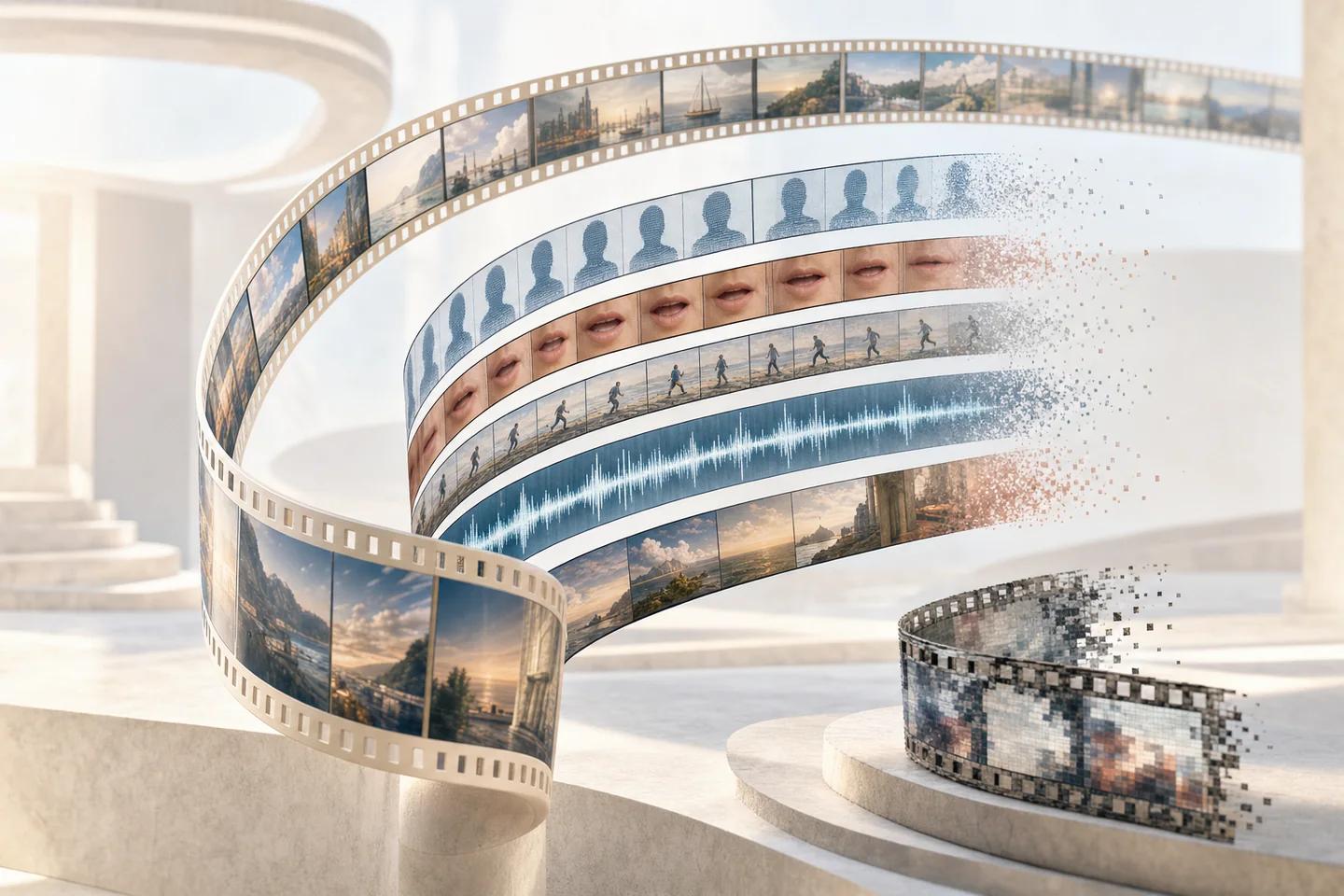


How do you detect Sora videos?
You detect Sora videos by combining provenance checks, visual review and forensic analysis, in that order. Provenance is fastest and most decisive when present: a visible Sora watermark or valid Content Credentials naming OpenAI's tools answers the question outright. Visual review catches clips where the marks were removed but the generation left physical errors. Forensic analysis covers the remaining cases, where the clip has been cleaned and looks plausible to the eye.
Start with the best copy you can get. Ask for the original upload or the earliest copy online, not a screen recording or a re-share, since every re-encode strips metadata and blurs the fine detail forensic models use. Record where and when you obtained it.
Sora is one of several text-to-video systems that now produce clips with consistent lighting, camera motion and synchronised sound. The methods below apply equally to Veo, Kling, Runway and open-weight models, though the provenance signals differ by vendor.

How can you tell if a video was made with Sora or Veo?
You can tell if a video was made with Sora or Veo most reliably from the provenance signals each vendor adds. OpenAI puts a visible watermark on Sora 2 videos, an animated cloud logo, and has said its output carries C2PA metadata. Google adds an invisible SynthID watermark to Veo video, designed to survive cropping, filters, frame-rate changes and lossy compression, and many Veo clips also carry a small visible mark.
Google's SynthID Detector portal lets anyone upload an image, video or audio file and check whether it was made with Google AI or, according to Google, with partners including OpenAI and NVIDIA. For C2PA, a Content Credentials verification tool reads the manifest if one survived. Neither check can prove a clip is real: a negative result only means no readable signal was found.
| Signal | Sora (OpenAI) | Veo (Google) | How it is lost |
|---|---|---|---|
| Visible watermark | Animated cloud logo on Sora 2 output | Small visible mark on many clips | Cropping, blurring, removal tools |
| Embedded metadata | C2PA Content Credentials | Varies by Google product | Platform re-encoding, screen recording, stripping tools |
| Invisible watermark | Not publicly documented as a pixel watermark | SynthID, built to survive common edits | Heavy transformation; unknown for adaptive attacks |
| Public checker | Content Credentials verification | SynthID Detector portal | Only works if the signal survived |
Why a missing watermark proves nothing
Visible watermarks are the weakest signal because removing them is trivial. In a 7 October 2025 report, 404 Media's Matthew Gault found about half a dozen sites offering Sora watermark removal, tested three, and found that all of them removed the logo within seconds. Cropping or a blur over the corner works too.
C2PA metadata is attached to the file rather than woven into the pixels, so many social platforms discard it on upload, and a screen recording creates a new file with none. Invisible watermarks such as SynthID are harder to remove, but they only exist in content from vendors that apply them. Open-weight video models run locally add nothing unless the user chooses to.
Treat provenance as asymmetric evidence. A valid signal strongly indicates AI generation. Its absence moves the question to the next layer.
Visual and continuity cues that still help
Text-to-video models generate frames that must agree over time, and that is still where they fail most. Watch for objects that change shape, disappear or merge when occluded, hands with shifting finger counts, text on signs or clothing that morphs between frames, liquids and cloth that move without weight, and crowds where background people repeat or melt into each other. Shadows that do not track the light source and reflections that show the wrong scene are also common.
Scene structure is another clue. Many generated clips are short single shots with smooth, cinematic camera motion and no cut, because longer and multi-shot sequences are harder to keep consistent. News footage of a real event usually has messier camera work and a verifiable location and time.
None of these cues is conclusive. Real footage has compression artifacts and odd physics from lens distortion, and the newest models avoid many classic errors. Use them to decide what deserves forensic review, not as a verdict.
- Step through the clip frame by frame around occlusions, hand movements and text.
- Check whether shadows, reflections and lighting stay consistent as the camera moves.
- Look for a source: a named uploader, location, other angles and contemporaneous reports.
- Search for keyframes with reverse image search to find earlier copies or the prompt-sharing post.
What forensic analysis adds when the marks are gone
Forensic classifiers look for statistical traces of generation in pixels and across frames, such as unnatural noise patterns, frequency-domain regularities and temporal inconsistencies that a human cannot see. They work without any cooperation from the vendor, which makes them the only layer that applies to open-weight and cleaned clips.
Their weakness is generalisation. A classifier trained on older generators can miss a new one, and heavy compression erases some of the evidence. When choosing a tool, ask which text-to-video systems were in the test set and how results changed after platform-style re-encoding. Public benchmarks help: the VendorBench-100 still-image corpus includes text-to-video stills among its eight edge-case families.
How NeuroDetect supports a Sora or Veo investigation
NeuroDetect, Neural Defend's forensic media workspace, takes an authorized video into a case and shows results down to individual frames and regions, with explainability heatmaps and attention views. Audio is analysed at segment level, which matters because Sora 2 and Veo generate synchronised sound. Each finding records the model and version that produced it, and the downloadable forensic report captures observations, uncertainty, provenance checks and analyst notes.
On the public VendorBench-100 benchmark of 100 adversarial still images, Neural Defend ranked first of 36 systems with an MCC of 0.876, against 0.646 for the next vendor. One VendorBench author also co-authored Neural Defend's ARCAS paper, and the corpus is public so the results can be rerun. VendorBench does not test full video, so for video use cases the right evidence is a trial on clips from your own intake.
Detection is one input to a decision. A newsroom, platform or fraud team still needs a policy for what to do with a clip that scores as likely generated, and NeuroDetect leaves the final call with the analyst.
Evidence boundary
Limitations
- Vendor watermarking and metadata practices change over time; check the current documentation for each generator.
- Visual cues described here are less common in recent models and in very short clips.
- VendorBench-100 measures still images only; video detection performance must be established on representative video samples.
Source record
Sources and references
- 404 MediaSora 2 Watermark Removers Flood the WebPublished October 7, 2025. Verified October 19, 2026.
- Google DeepMindSynthIDVerified October 19, 2026.
- arXiv (Deshmukh et al.)VendorBench-100: A Unified Cross-Paradigm Benchmark for Deepfake Image DetectionPublished July 29, 2026. Verified October 19, 2026.
- OfcomDeepfake Defences: Mitigating the Harms of Deceptive DeepfakesVerified August 8, 2026.
- arXiv (Chandra et al.)Deepfake-Eval-2024: A Multi-Modal In-the-Wild Benchmark of Deepfakes Circulated in 2024Published March 4, 2025. Verified October 19, 2026.