
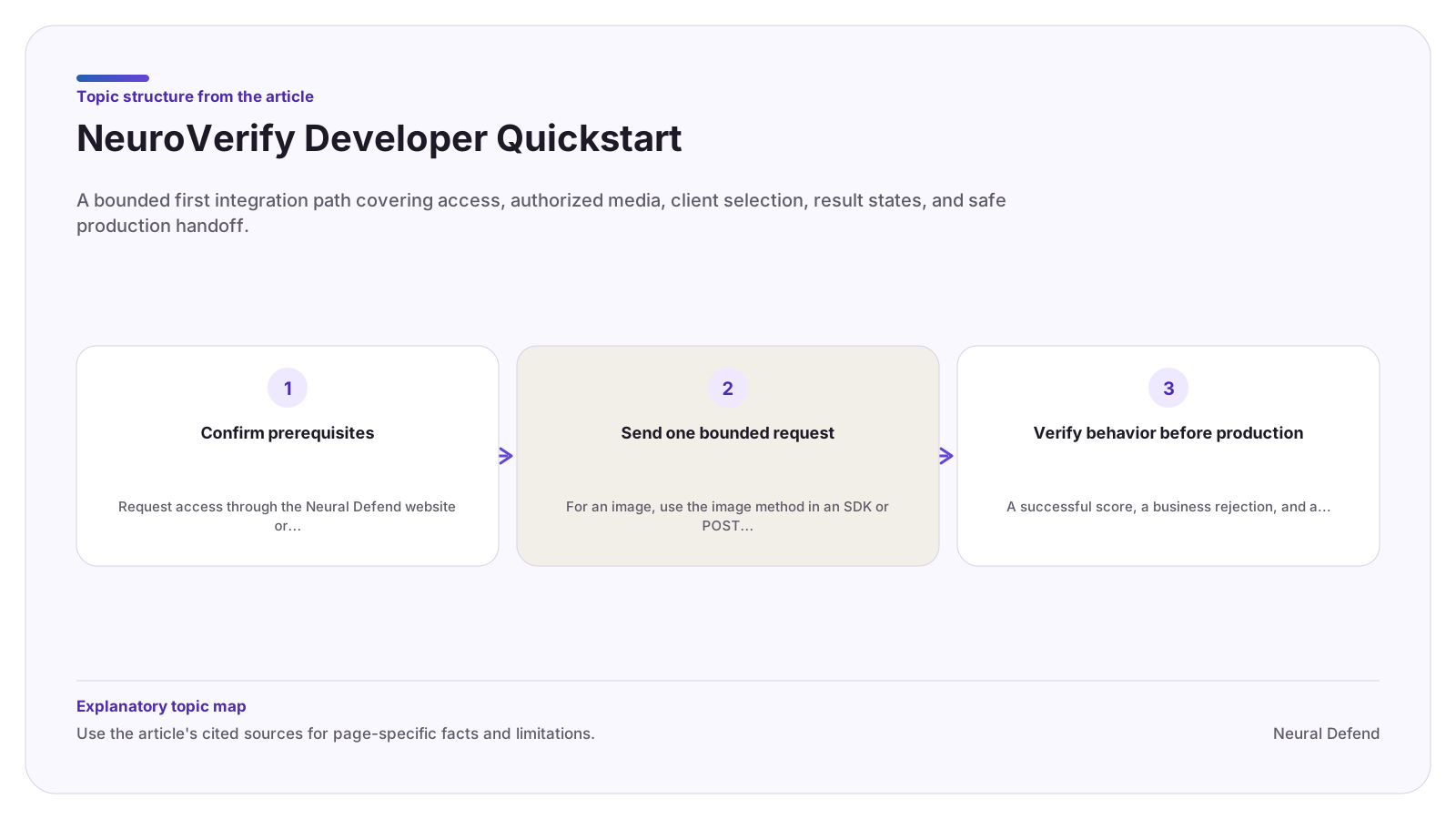
Confirm prerequisites
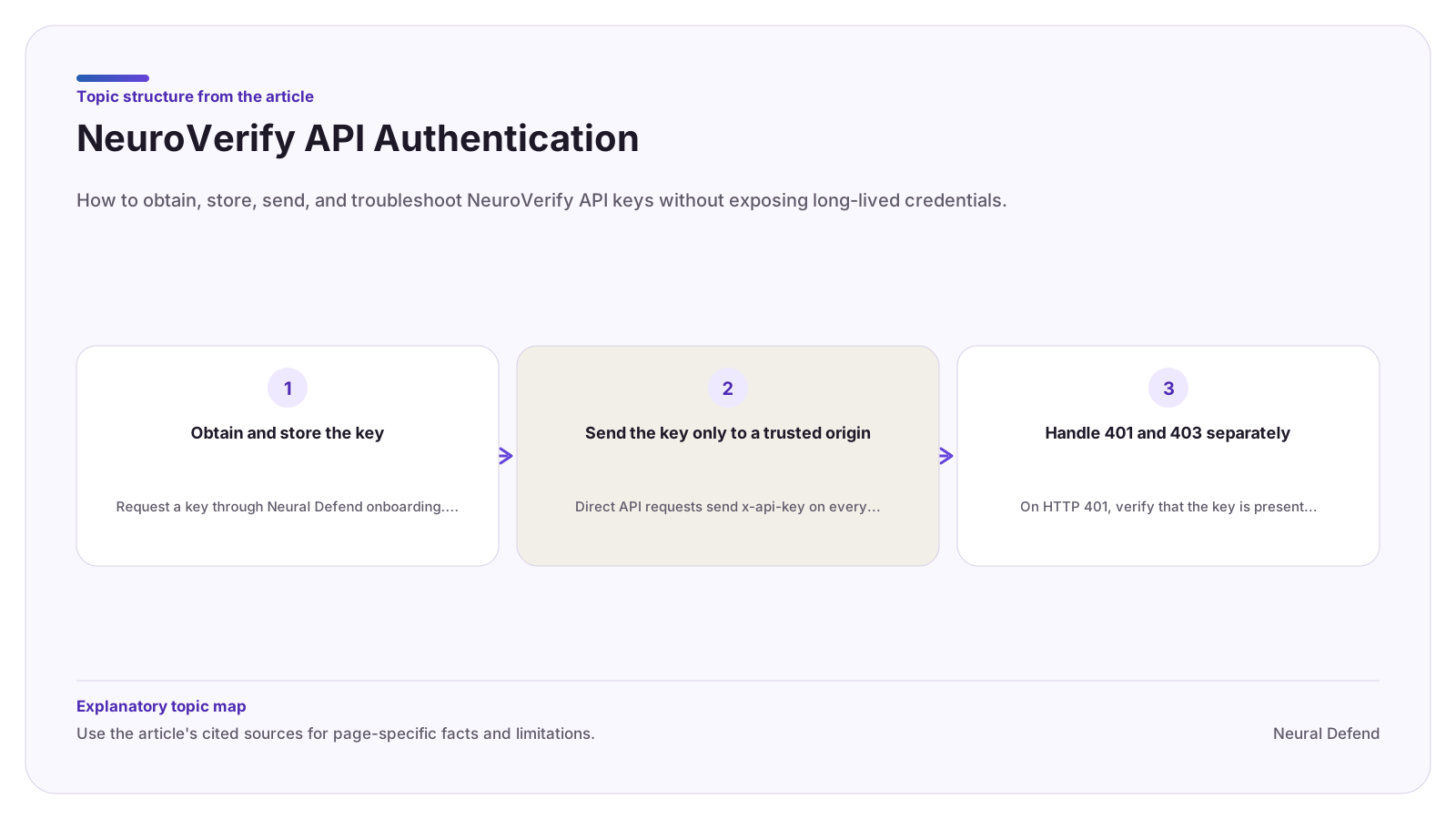
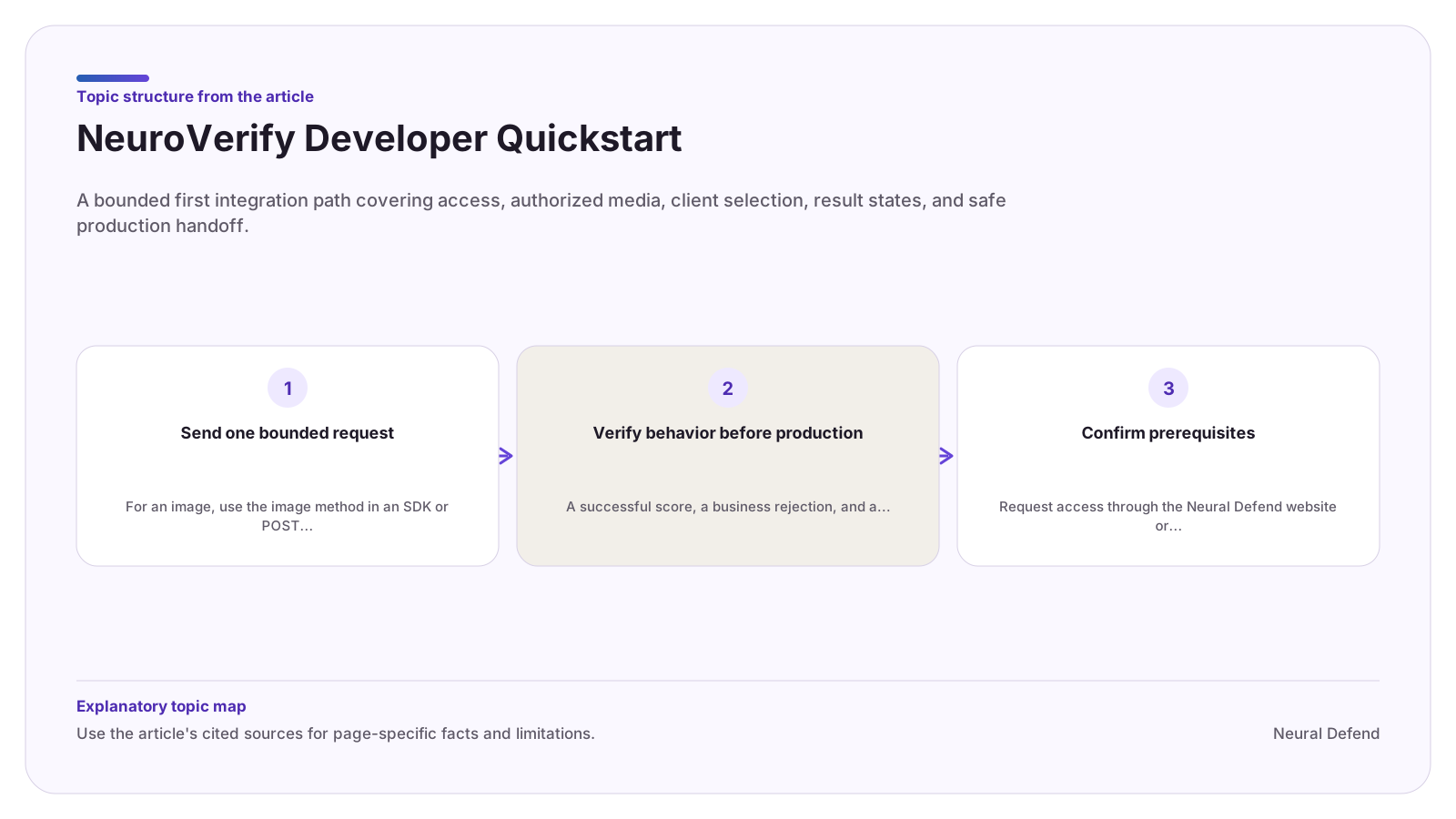
Request access through the Neural Defend website or contact support for an existing account. Put the issued key in a secret manager or the documented environment variable for your client. Never paste a real key into source files, browser bundles, prompts, tool arguments, screenshots, or support tickets.
Choose a representative test file only after confirming that your organization is authorized to send it for analysis. Media may contain biometric or other sensitive personal data, so the upload must fit your own privacy, retention, logging, and access-control obligations.
- Python: install the pinned neuraldefend release in the application environment.
- Node.js: install @neuraldefend/sdk and keep the key server-side.
- MCP: install neuraldefend-mcp and configure a narrow allowed-directory list.
- REST: use the production or staging server listed in the OpenAPI contract.
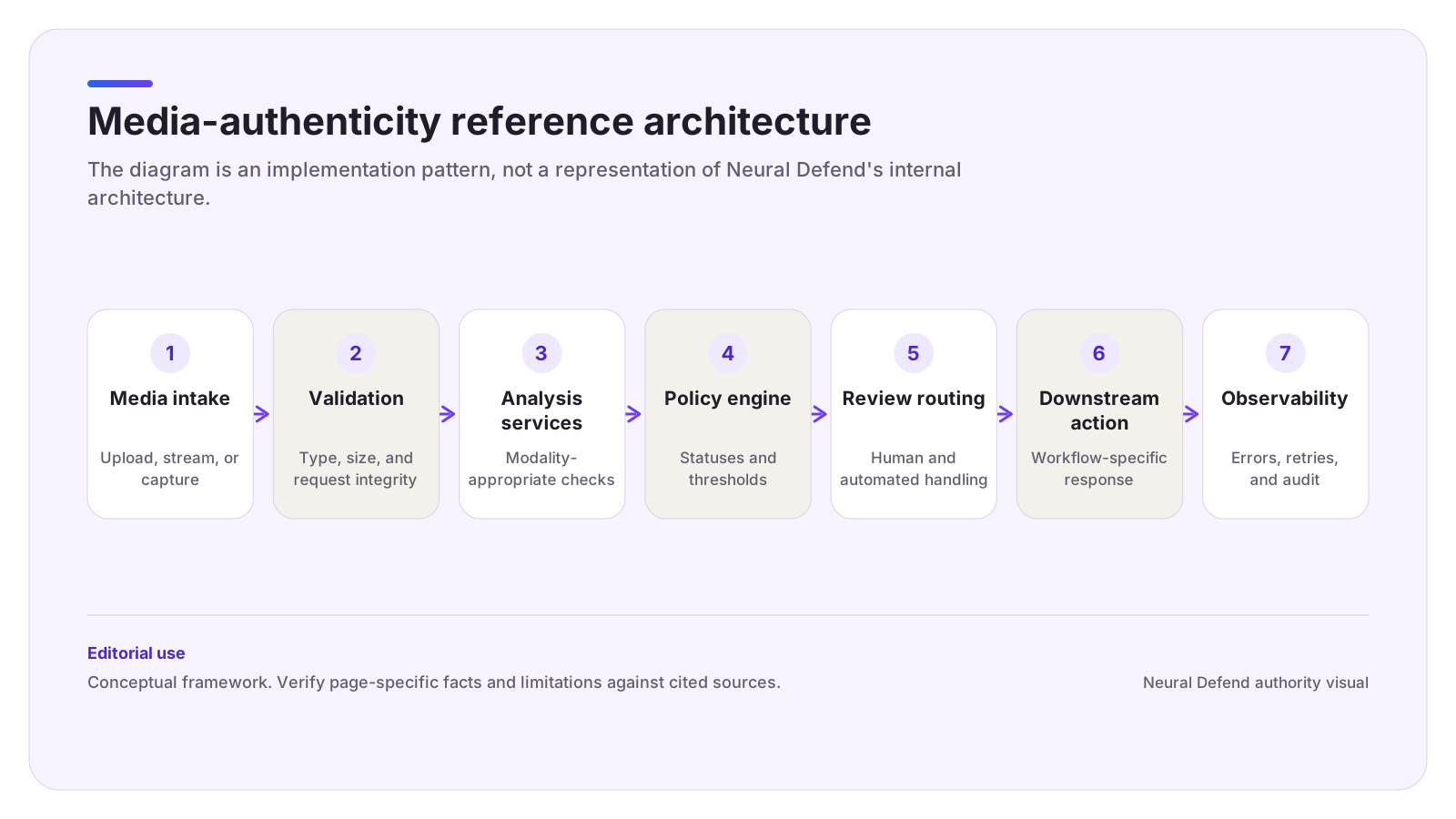
Send one bounded request
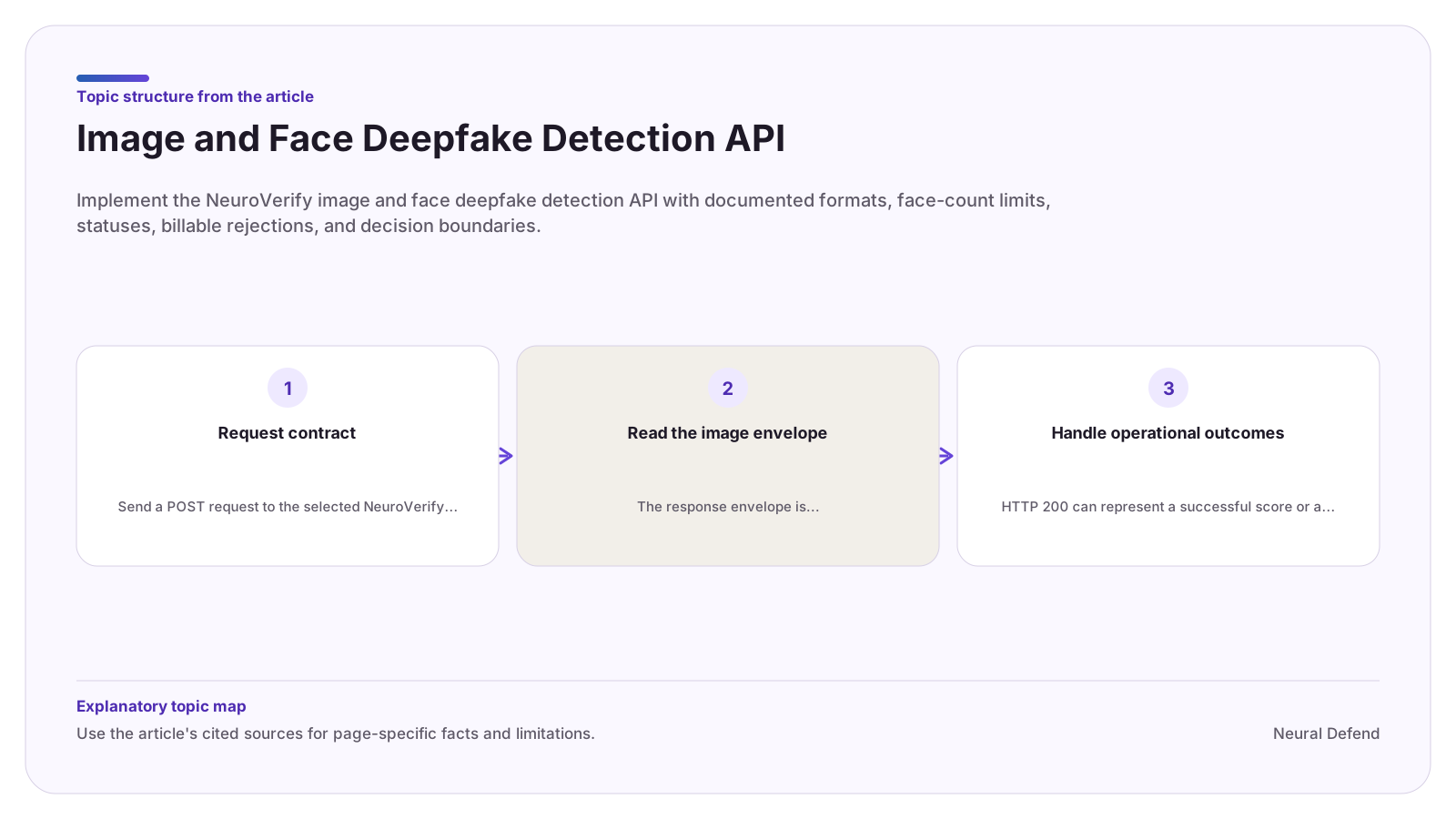
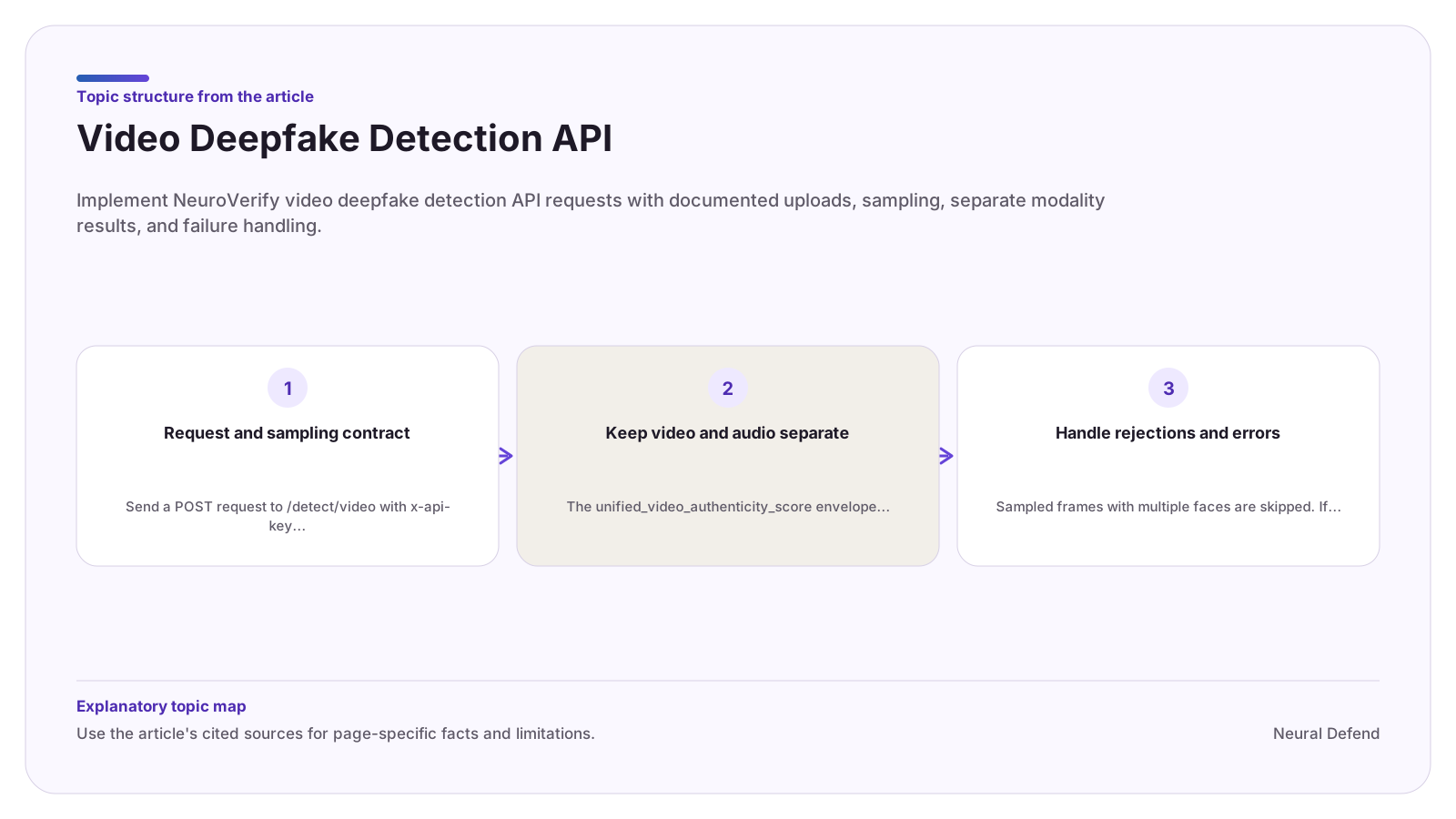
For an image, use the image method in an SDK or POST multipart form data to /detect/image with one file. For a video, use the video method or POST to /detect/video. The TypeScript and Python clients stream or prepare uploads according to their runtime-specific input rules, which is safer than duplicating low-level transport logic.
Allow the HTTP client to construct the multipart boundary. For direct REST calls, send the API key in x-api-key and parse the named response envelope for the selected media type.
Verify behavior before production
A successful score, a business rejection, and a transport or service failure are different outcomes. Confirm that your code does not read nullable score fields before checking status. Also confirm that a low-risk result does not bypass other controls and that medium, high, or unknown results have a review owner.
The API is not idempotent. The official clients apply narrow retry policies for selected server and rate-limit responses. Adding a second automatic retry layer can create extra transactions, so account for the client's behavior before wrapping it.
Evidence boundary
Limitations
- This quickstart does not include a live credential, tenant-specific limits, a browser credential-issuance design, or approval to upload any particular file.
Source record