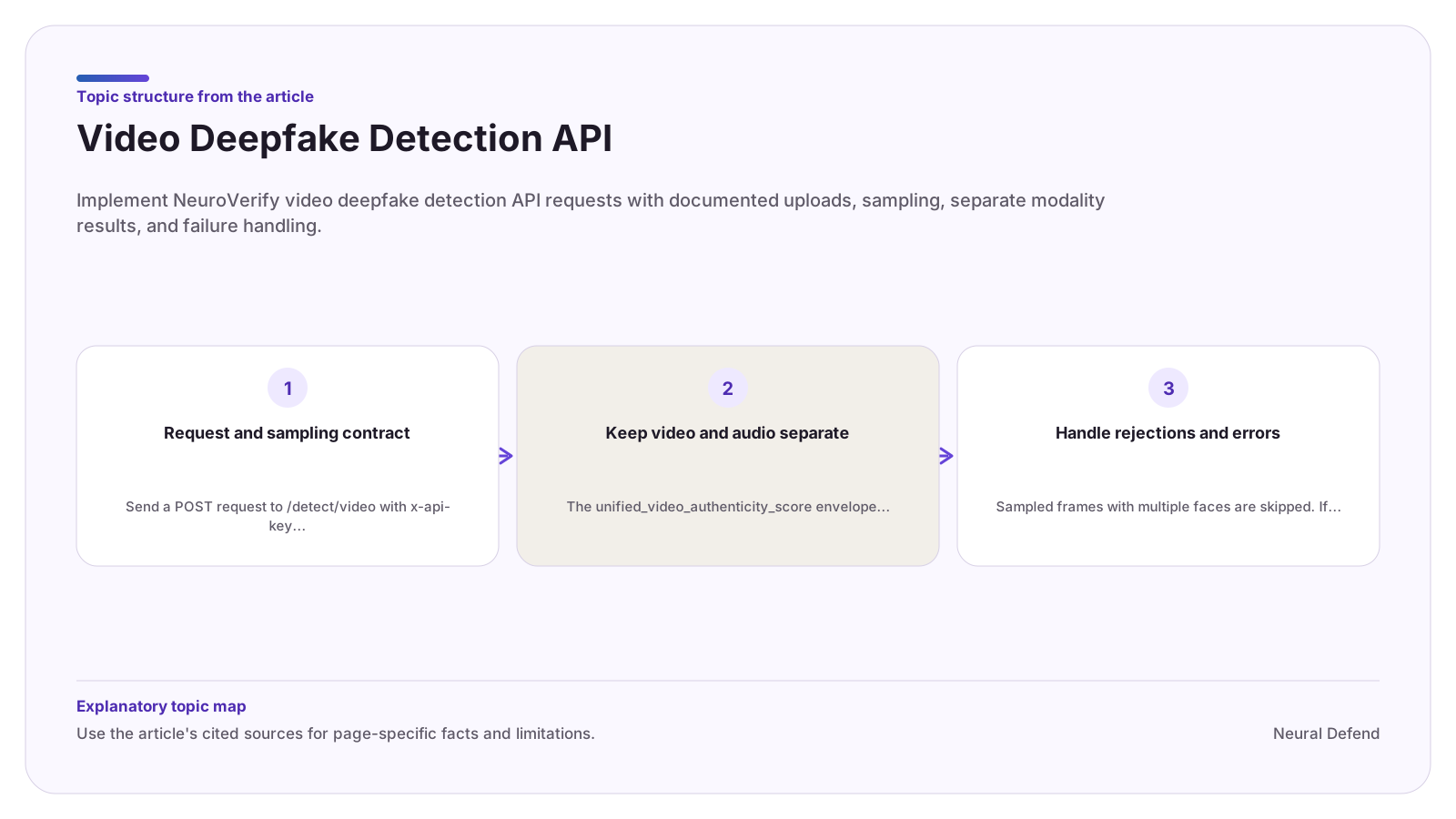

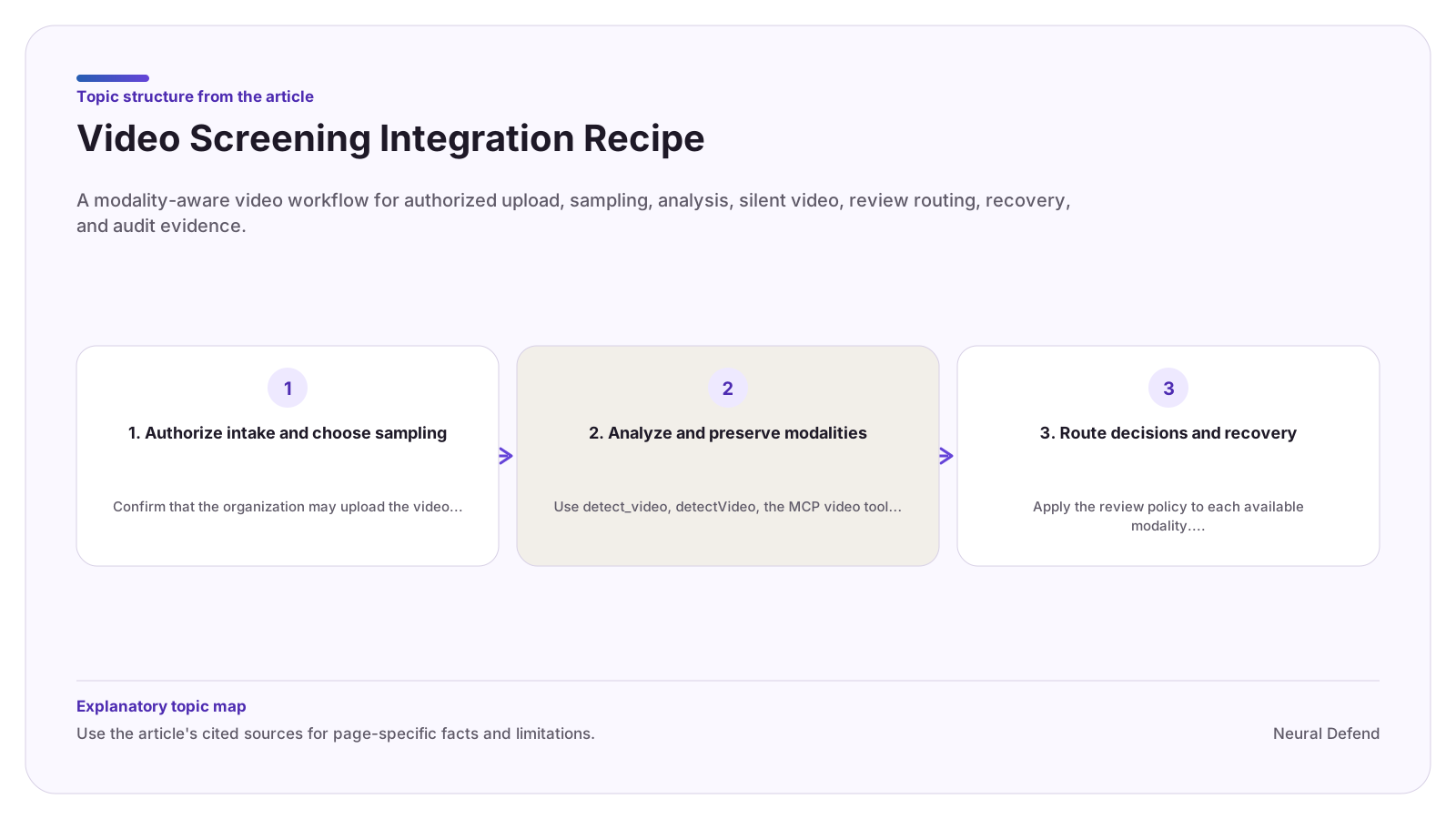
1. Authorize intake and choose sampling
Confirm that the organization may upload the video and any embedded audio. Apply your disclosure, access, retention, and deletion rules before sending media.
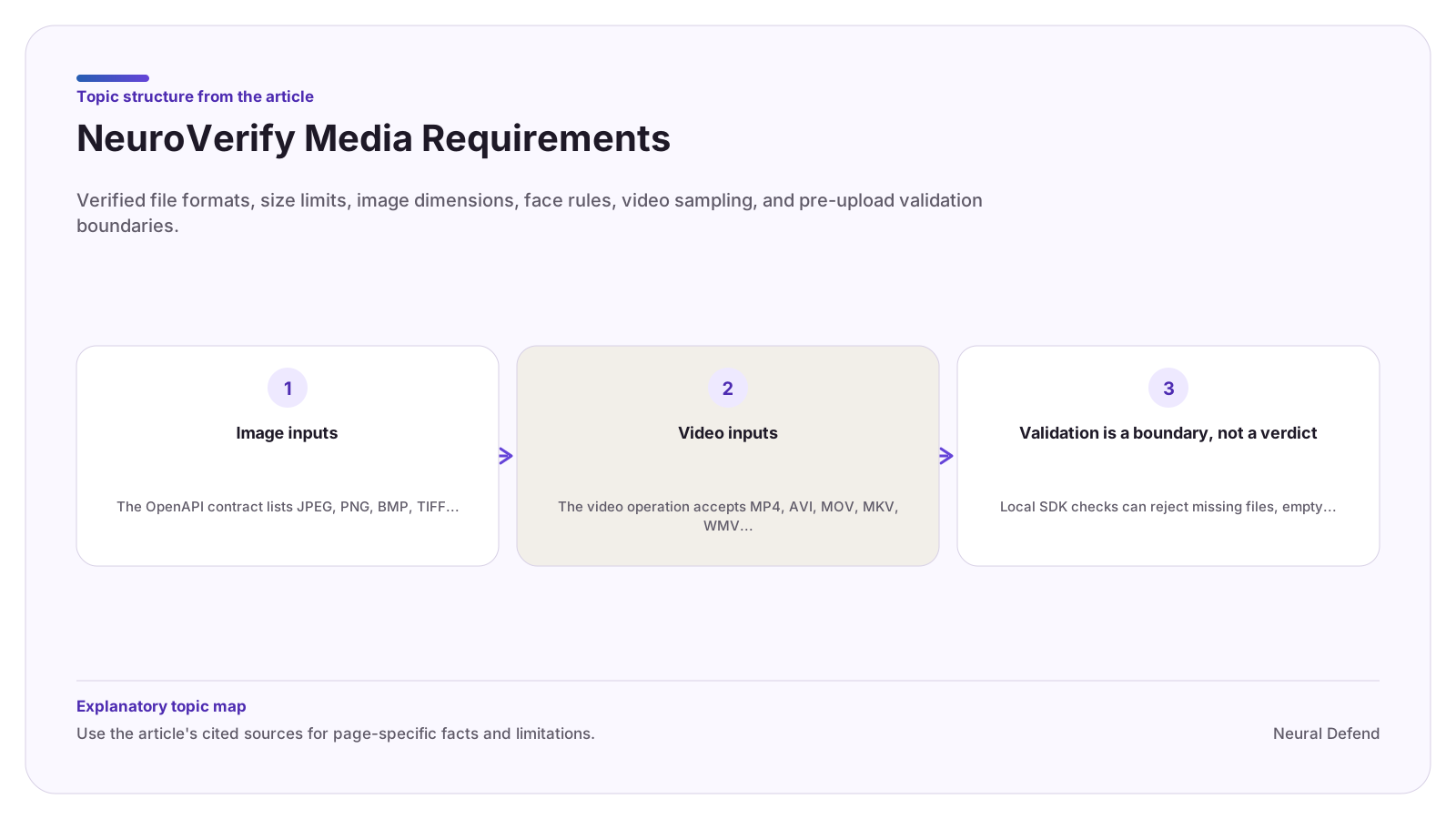
Validate the documented format and 1.5 GB maximum. Keep the default frame count unless the use case has a reviewed reason to change it. More or fewer sampled frames can affect cost, latency, and evidence coverage, so record the chosen parameter.
2. Analyze and preserve modalities
Use detect_video, detectVideo, the MCP video tool, or the direct /detect/video operation. Depend on the normalized contract for the chosen client rather than mixing raw wire and client fields.
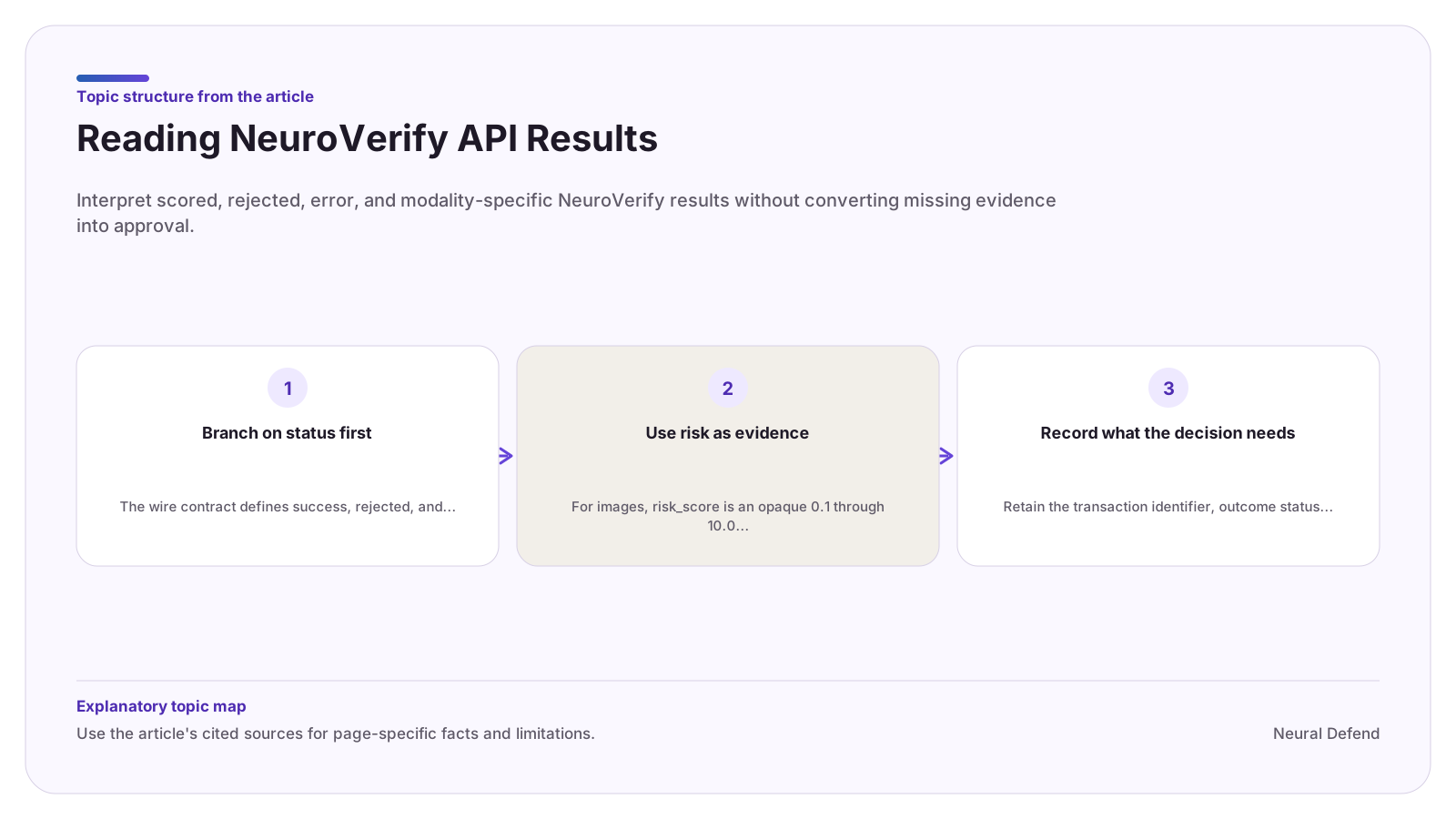
On success, store video and audio risk fields independently. If audio is absent, preserve null audio fields and the explanatory message. Do not turn missing audio into low audio risk.
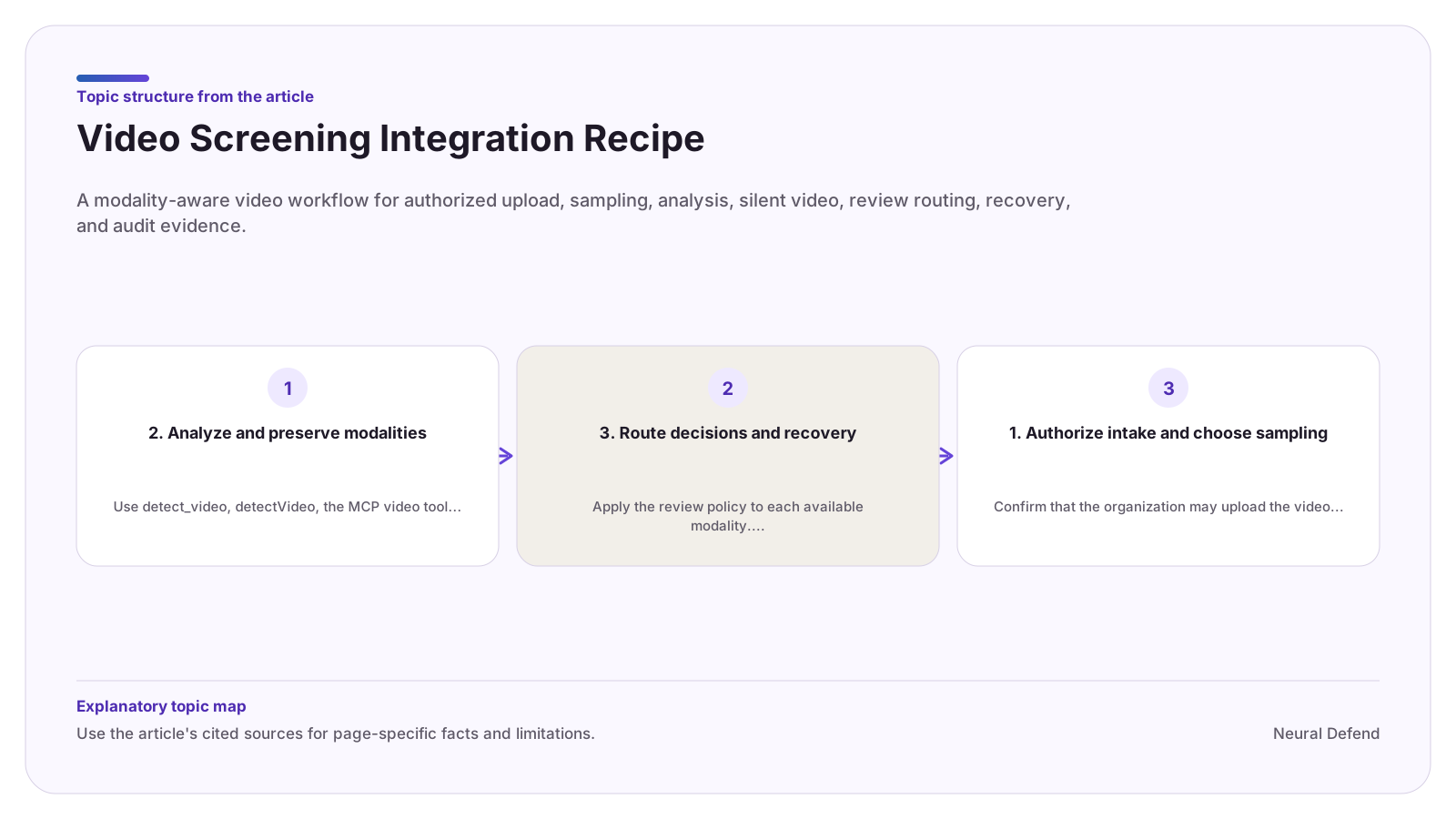
3. Route decisions and recovery
Apply the review policy to each available modality. Medium remains inconclusive and high should escalate. If a client-side combined decision is needed, version the policy and preserve both original modality values for audit.
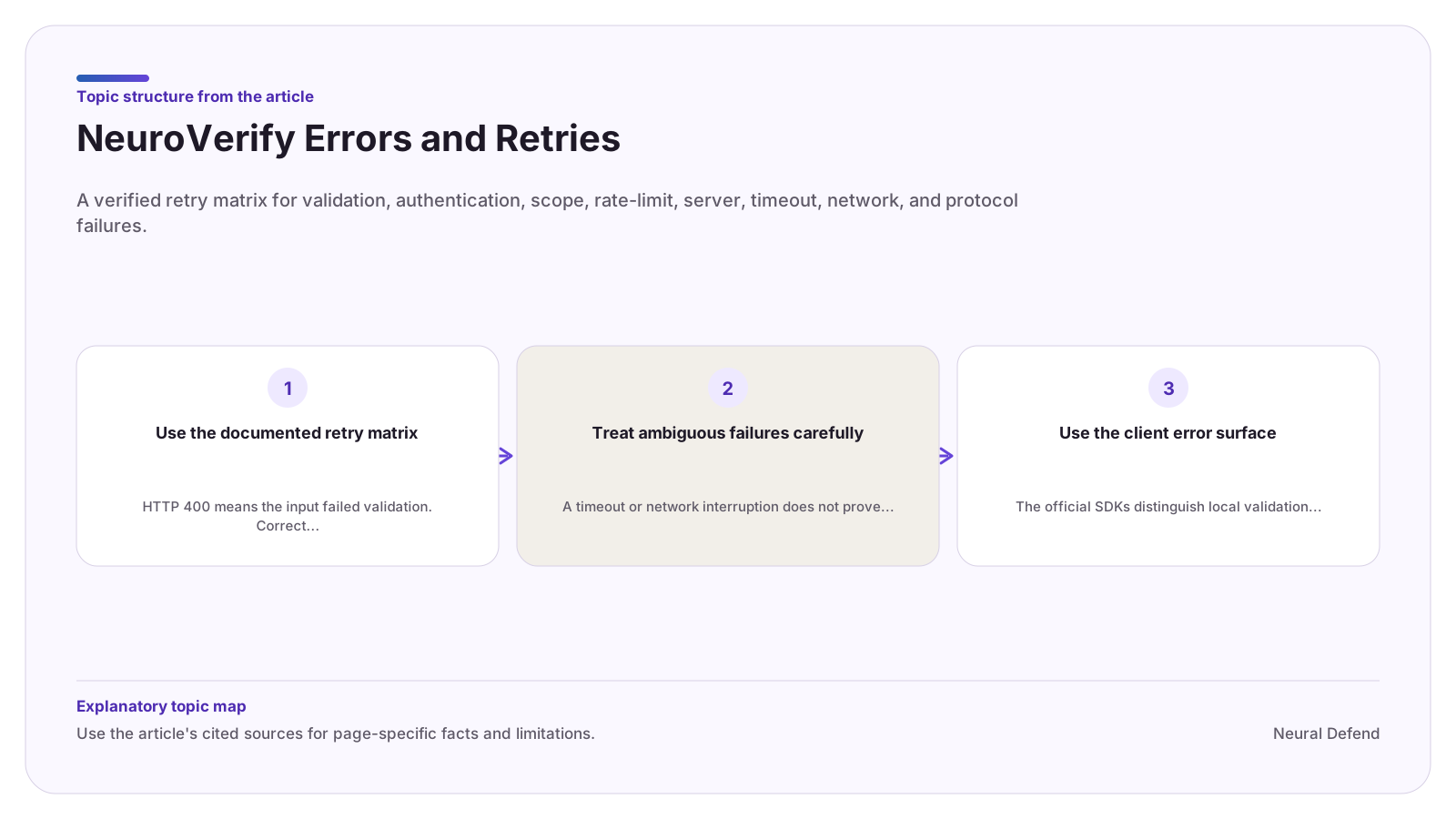
A no-face rejection means sampled frames did not yield a scorable single-face frame and neither modality has a score. Ask for a better authorized video when appropriate. On error, timeout, or unknown, withhold the authenticity decision and account for duplicate billing before retry.
Evidence boundary
Limitations
- This recipe does not prescribe a universal sampling value, combined modality rule, or legal basis for processing video and audio.
Source record